
Set aside ten minutes. Scroll back three months of bank statements, check the subscription lists on your phone and PayPal, and search your email for receipts. List what you find with its yearly cost, then keep, downgrade or cancel each one. Repeat every few months.
Why subscriptions slip through
They are small, they renew automatically and they often sit on different cards. Annual plans only show up once a year, and free trials quietly roll into paid plans. None of that is a sign you are bad with money. It is how subscriptions are designed to work.
Where to look
- Bank and card statements. Scroll back at least three months and look for the same merchant appearing on a regular date. Go back twelve months if you can, to catch yearly renewals.
- Your iPhone. Open Settings, tap your name, then Subscriptions. Everything billed through your Apple account is listed there.
- Android. In the Google Play Store, tap your profile, then Payments and subscriptions, then Subscriptions.
- PayPal. Look for automatic payments in your account settings. Merchants you approved years ago can still be there.
- Your email. Search for "receipt", "renewal", "trial" and "subscription".
- Every card. Include old cards, savings accounts and any card a partner pays for shared services.
Make a list and work out the yearly cost
For each one, note the name, the price, how often it charges and when you last used it. Then turn it into a yearly number, because that is the cost that tells the real story. A $16.99 monthly plan is $203.88 a year.
| Subscription | Charged | Per year |
|---|---|---|
| Streaming service | $16.99 monthly | $203.88 |
| Cloud storage | $4.49 monthly | $53.88 |
| Fitness app | $79.99 yearly | $79.99 |
| Total | $337.75 |
Example figures only.
Keep, downgrade or cancel
Go down the list and give each one a decision. Keep the ones you use and value. Downgrade where a cheaper plan does the job. Cancel the rest. If you have several streaming services, try keeping one at a time and rotating every month or two.
Cancel it properly
- Cancel where you signed up. Deleting an app does not cancel its subscription. If you subscribed through Apple or Google, cancel there.
- Keep proof. Screenshot the confirmation screen or save the email.
- Check your next statement. If you are still charged after cancelling, contact the company, then your bank, which may be able to help dispute the charge.
Starting a free trial? Set a reminder for the day before it ends, right when you sign up.
Spot subscriptions without the spreadsheet
Cleer imports your transactions and ranks your top wants, so regular charges are easy to see. On Pro, you also get a heads-up when a regular bill goes up in price.
Download free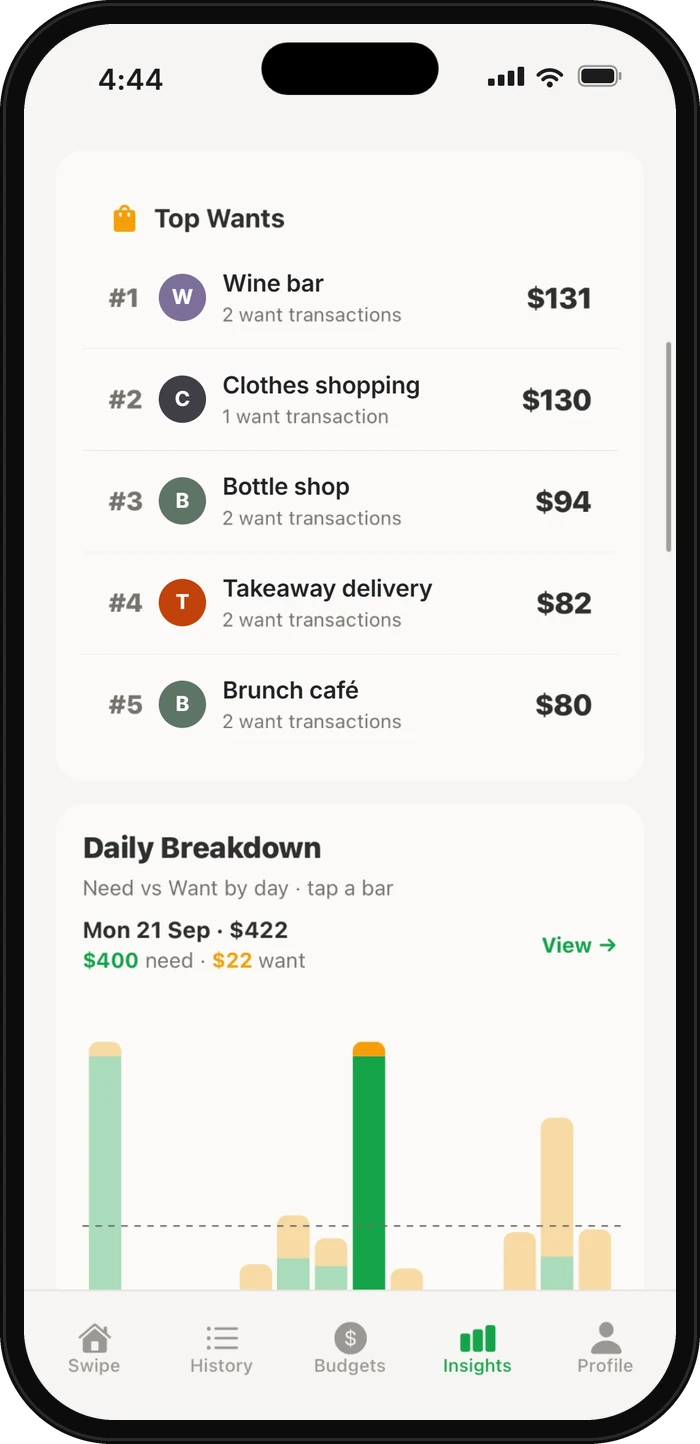
Your subscription check-up in five points
- Check three months of statements, and twelve for yearly plans.
- Look in your phone settings, PayPal and email too.
- Turn every price into a yearly cost.
- Keep, downgrade or cancel each one on purpose.
- Cancel where you signed up and check the next statement.
Keep reading
General information only. This guide does not take your personal situation into account and is not financial advice. For free, independent help, visit Moneysmart or call the National Debt Helpline on 1800 007 007.